
Wir wollen Daten laden und nicht dass die Oberfläche einfriert.
Über den Invoke Befehl kann z.B. eine WinForm Benutzerelement aktualisiert werden:
//Ein Button der den Thread startet:
private void buttonTest_Click(object sender, EventArgs e)
{
            _TmfStart = DateTime.Now;
            textBox1.Text = "Start loading...";
            textBox1.AppendText(Environment.NewLine);
            textBox1.AppendText("Time: " + _TmfStart.ToString("mm ss f"));

            var thread = new Thread(new ThreadStart(getLongRun));
            thread.Start();
 }


private void getLongRun()
        {
            using (var db = new DatabaseContext())
            {
                var opt = db.artikeldatenbank.Take(50).ToList();
                this.Invoke((MethodInvoker)delegate
                {
                    //here can change GUI without freeze
                    dataGridView1.DataSource = opt;

                    _TmfEnd = DateTime.Now;
                    textBox1.AppendText(Environment.NewLine);
                    textBox1.AppendText("Time: " + _TmfEnd.ToString("ss f"));
                });
            }
        }
weitere Möglichkeiten eines Threads im Hintergrund:
int ActivThreads = 0;
static CancellationTokenSource cancellationTokenSource = new CancellationTokenSource();
static CancellationToken token = cancellationTokenSource.Token;

private void button1ThreadStart_Click(object sender, EventArgs e)
{
    TestBackgroundThread(token);
}

private void InvokeGUIThread(Action action)
{
    Invoke(action);
}

void TestBackgroundThread(CancellationToken cancelToken, bool bg = true)
{
    var thread = new Thread((ThreadStart)delegate ()
    {
        long count = 0;
        while (true)
        {
            if (cancelToken.IsCancellationRequested)
            {
                return;
            }
            Thread.Sleep(Convert.ToInt32(textBox2.Text));
            count++;
            InvokeGUIThread(() =>
            {
                textBox1.AppendText(count.ToString() + Environment.NewLine);
            });

        }
    });

    // Choose one option:
    thread.IsBackground = bg; // <--- This will make the thread run in background
    /*thread.IsBackground = false;*/ // <--- This will delay program termination

    thread.Start();
    ActivThreads++;
}

private void button1StopAll_Click(object sender, EventArgs e)
{
    cancellationTokenSource.Cancel();
    ActivThreads = 0;
    cancellationTokenSource = new CancellationTokenSource();
    token = cancellationTokenSource.Token;
}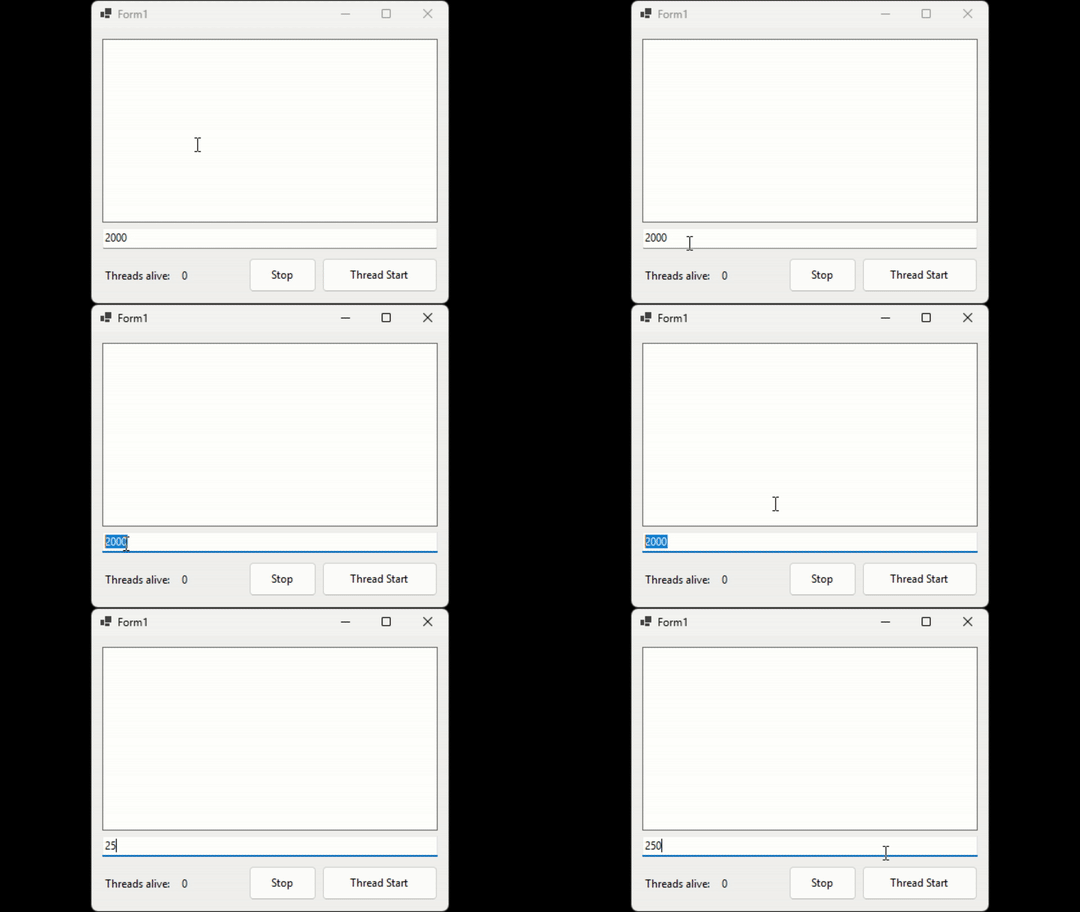
Die GUI friert nicht ein,
nach jedem Klick aus den Thread Start Button
wir ein neuer Thread gestartet und in der
TextBox wird in ms der Counter gesteuert.
Bei einem Klick auf Stop werden über
CancelationToken alle Threads gestoppt.